Claw Fishing Scripts
What community auto-fish scripts claim to do — and why exploiting can cost your Roblox account.
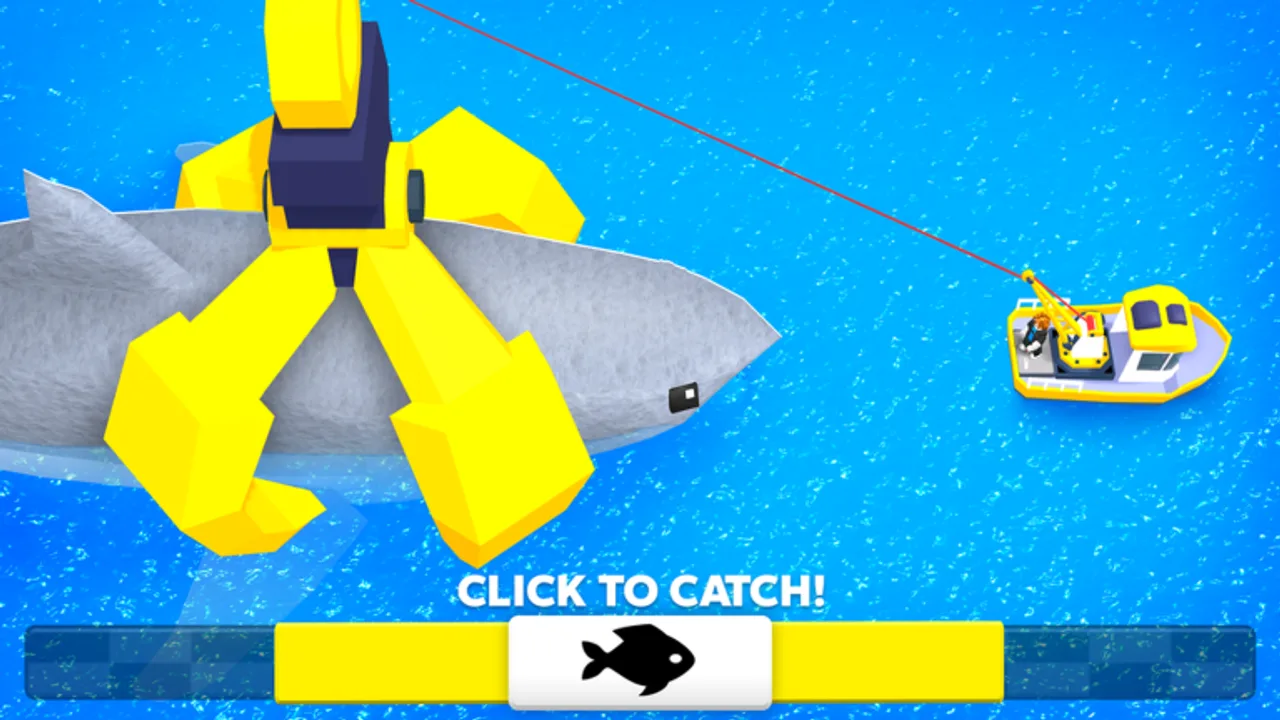
This page documents Claw Fishing scripts — third-party automation users run through Roblox executors — for educational awareness only. We do not endorse exploiting. Scripts violate Roblox Terms of Use, can steal account tokens, and lead to permanent bans. Legitimate progress comes from the boat-and-claw loop covered in Getting Started, Upgrade Priority, and Aquarium & Money. Read this hub to understand what script videos advertise, not to treat automation as a substitute for playing.
What Claw Fishing scripts claim to do
Community script videos and hub listings for Claw Fishing (titles often mention auto claw fishing, catch mutated fish, auto collect money, auto upgrade, auto buy, anti AFK, and “NO KEY / WORKING 2026” marketing) describe feature sets like these — including multiple 2026 showcase clips advertising the same automation bundle:
Catch mutated fish. Ouroboros Hub–style listings now advertise targeting Silver, Gold, and Rainbow variants — mirroring legitimate Mutations hunting but without human judgment during tsunamis or slot swaps.
Auto claw fishing. The script lowers the claw, tracks fish positions, and attempts grabs without manual input. Videos market this as AFK farming in open water while the boat drifts or follows a path.
Auto collect money. After aquarium fish generate income, scripts poll collectors and press interact for you — similar to idle games that empty wallets on a timer.
Auto upgrade aquarium. Some hubs advertise automatic aquarium level purchases, “next upgrade” selection, and loops that spend reserves while keeping a cash buffer.
Auto best fish / auto slot. Scripts compare caught fish to aquarium occupants and swap weaker slots — mirroring decisions from the Fish Tier List but without human judgment during tsunamis.
Auto buy boat / crane / claw. General shopping automation for boat speed, claw reach, or consumables when cash thresholds hit — overlapping Upgrade Priority order unless poorly configured.
Anti AFK. Keeps the client active during long automation loops; does not make exploiting ToS-compliant.
Keyless vs key systems. Titles advertise “NO KEY” or “keyless OP” to reduce friction. Keyless scripts still require an executor and still carry ban risk — they are not official Smoothly Sailing tools.
Feature names vary by hub author. Treat any list as marketing until you verify behavior in a throwaway account — which we still do not recommend.
Generic executor flow (informational)
Script videos follow a common pattern on Roblox:
- Install an executor — third-party software that injects Lua into Roblox clients. Executors themselves may contain malware.
- Launch Roblox and join Claw Fishing.
- Attach or inject the executor while the game loads.
- Paste script code from a trusted script host you already use — we do not host or verify loadstrings here.
- Run the script and toggle GUI options (auto claw, auto collect, etc.).
- Leave running until kicked, crashed, or banned.
Example placeholder — replace with code from a host you trust at your own risk:
-- Paste your Claw Fishing script from a trusted script host here.
-- This wiki does not provide working loadstrings.
-- Using executors violates Roblox Terms of Use.
Roblox anti-cheat and Smoothly Sailing server checks can change without notice. A script that worked yesterday may flag today.
Why scripts are risky
Account bans. Roblox permanently bans accounts caught exploiting. Appeals rarely succeed when automation is involved.
Malware and token loggers. Fake script hubs disguise stealers as “keyless OP” downloads. Never run executables from Discord DMs or comment sections.
Lost progress legitimacy. Even if you avoid a ban, automated catches skip the skill curve for tsunami survival and claw timing — you may not know how to recover when the script breaks mid-patch.
Patch breakage. Claw Fishing updates from Smoothly Sailing move UI buttons and remote events. Scripts silently fail after updates until authors rewrite them — wasting hours AFK.
Economy and fairness. Six-player servers share fishing space. Automation can ruin legitimate players’ sessions and invites reports.
Safer alternatives that are not scripts
- Follow Upgrade Priority instead of auto-buy spam
- Use the Money Rate Tool to plan aquarium swaps
- Claim official codes when Smoothly Sailing publishes them — free and ToS-safe
- Practice claw alignment in Controls instead of auto-grab
- Use Best Money Methods and Multiplayer Tips for legitimate progress
Feature comparison: scripts vs legitimate play
| Goal | Script claim | Legit path |
|---|---|---|
| More money | Auto collect + auto slot | Aquarium slots + tier keepers |
| Faster upgrades | Auto buy | Upgrade Priority |
| Rare fish | Auto claw in deep water | Gear upgrades + Rare & Legendary Fish |
| AFK income | Loop while away | Partial idle collection; stay online when possible |
Parent and player notice
If you are a parent or younger player: do not download executors. They are not part of Roblox, they cost money on shady sites, and they expose your PC to viruses. Play Claw Fishing normally with friends — up to six per server — and use this wiki for guides.
When script videos update
Creators publish new titles after each Roblox security wave. The embedded video on this page illustrates typical marketed features (auto claw fishing, catch mutated fish, auto collect, upgrade automation) as of August 2026 — not a guarantee any build still works. After Smoothly Sailing patches, assume all scripts outdated until proven otherwise on the Updates hub.
Related pages
- Codes hub — official rewards without exploits
- Fish Tier List — what auto-slot scripts try to imitate
- Wiki links — official game page only
- Guides hub — full legitimate walkthroughs
Frequently Asked Questions
Quick answers players ask while claw fishing on Roblox.
Do Claw Fishing scripts still work in 2026?
Some videos claim they do, but Roblox and game updates break scripts constantly. We do not test or endorse them — expect failures and ban risk.
What features do Claw Fishing auto scripts advertise?
Common labels include catch mutated fish, auto claw fishing, auto collect money, auto upgrade aquarium, auto best fish, auto buy boat or claw, and anti AFK loops.
Can I get banned for using a Claw Fishing script?
Yes. Exploiting violates Roblox Terms of Use. Permanent account loss is common with automation and executors.
Does this wiki provide script download links?
No. We describe community features for awareness only. Paste scripts from hosts you already trust at your own risk — we provide no loadstrings.
What should I use instead of scripts?
Follow wiki guides, tier lists, the Money Rate Tool, and official codes when published — all without ban risk.
Are keyless Claw Fishing scripts safer?
No. Keyless only means fewer popup ads — they still use executors and carry the same ban and malware risks.