Claw Fishing Aquarium Money Rate Calculator
Model passive income before you swap, sell, or upgrade aquarium slots.
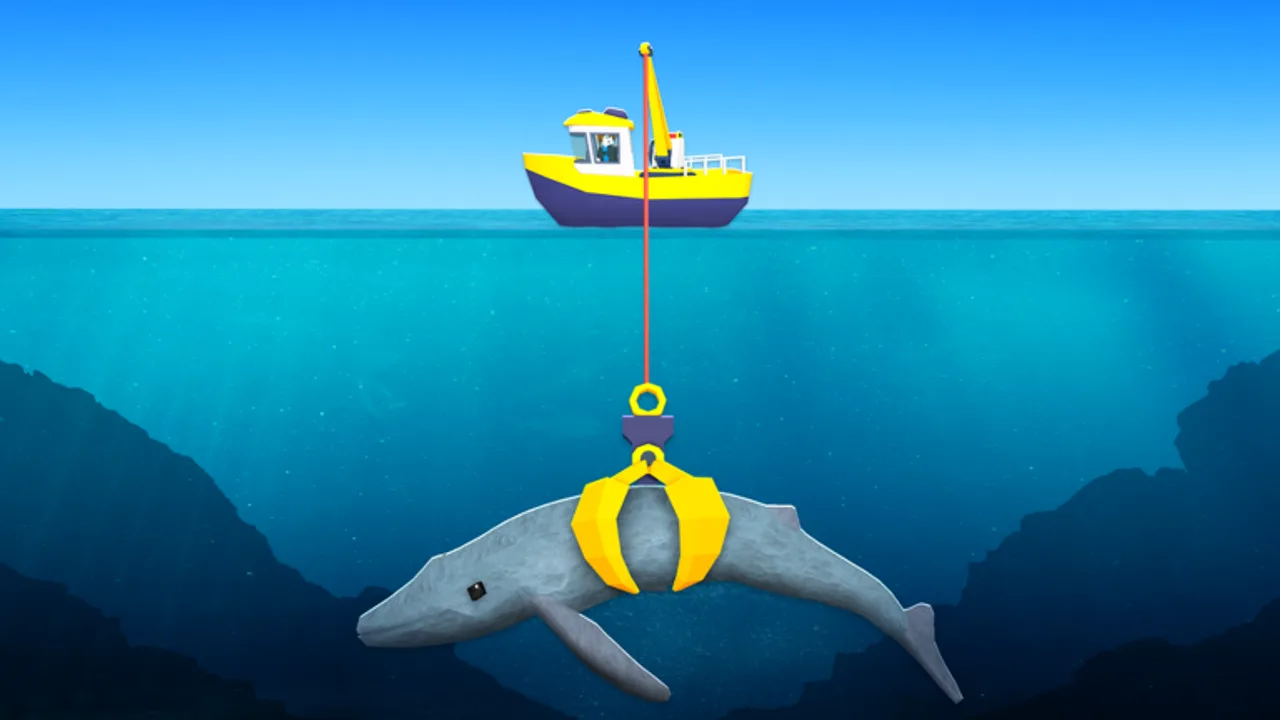
The Claw Fishing money rate calculator helps you compare aquarium passive income before swapping fish, selling catches, or buying slot upgrades. In Claw Fishing by Smoothly Sailing, money comes from fish placed in your aquarium — not from leaving rare catches on deck. This page explains how income works, when to use the calculator below, and how results tie into the Fish Tier List and Upgrade Priority.
How aquarium income works
The official game loop ends with fish generate money while stored in aquarium slots. Key ideas every player should internalize before crunching numbers:
Passive generation. Slotted fish tick income over time. The rate depends on species band, possible slot upgrades, and whatever multipliers Smoothly Sailing attaches in the current build.
Collection matters. Money often sits in a collector until you interact. Letting earnings cap wastes rate — collect on a rhythm, especially before long tsunami runs.
Slot quality beats slot count early. Three strong occupants usually beat six weak commons. After reach upgrades unlock rares, prioritize quality swaps before buying cosmetic boat parts.
Sell vs slot. Instant sells fund urgent upgrades; slotting funds tomorrow’s legendaries. The calculator compares streams, not one-time sell pop-ups.
Read Aquarium & Money for harbor habits; use this tool when you have two numbers and need a decision in thirty seconds.
When to open the calculator
Use the money rate tool when:
- You claw an A-tier rare and wonder if it beats your weakest slot
- You debate selling a mid-tier fish for cash versus slotting it overnight
- You plan a slot expansion and want to know how fast it pays back
- A patch on the Updates hub changes income and you need fresh comparisons
Skip the tool for your first hour — follow Getting Started until at least three fish sit in the aquarium and you have one collection baseline.
Using the calculator
Enter values you observe in-game after a collection tick — the tool does not pull live Roblox data. Typical inputs:
- Number of aquarium slots you own
- Per-slot income or band label (Common through Legendary)
- Hypothetical replacement — the new fish you are holding
- Collection interval — how often you actually empty the collector
The calculator outputs estimated hourly or per-collection income for current vs proposed setups. Compare the delta: if a swap adds meaningful rate, evict the weakest occupant; if not, sell for upgrade cash or keep hunting.
Aquarium money estimator
Estimated cash / hour 91,800
Use this as a planning aid. Exact rates vary by fish rarity and live balance patches.
After running a scenario, cross-check against tier guidance:
- S-tier keepers — almost always slot unless duplicated
- D-tier commons — sell when slots are tight
- Upgrade savings — if the calculator shows low rates across all slots, claw reach may be the real bottleneck, not fish choice
Example decision flow
Suppose four slots hold two mid rares and two low uncommons. You claw a high rare with visibly stronger collector tick on a test deposit (if the game previews income) or from community band expectations:
- Model replacing the weakest uncommon
- Calculator shows +15% hourly income
- Swap immediately and collect on schedule
- Bank extra cash toward claw reach per Upgrade Priority
If the calculator shows negligible gain, keep grinding depth instead of micromanaging slots — your gear may not access legendary bands yet.
Limits and honesty
Balance patches. Smoothly Sailing can rebalance aquarium tables any week. Re-measure after updates instead of trusting old screenshots.
Online vs offline rules. Some Roblox fishing games reduce offline earnings. Confirm current Claw Fishing behavior in-game; the tool assumes you enter honest observed rates.
No script synergy. Auto collect scripts bypass the learning this tool supports and risk bans. Manual collection keeps numbers trustworthy.
Not financial advice. Rates are for gameplay planning inside Roblox, not real-money trading.
Improve income without exploits
- Follow Upgrade Priority before cosmetics
- Hunt Whale Shark only when S-tier slots are ready
- Claim official codes when Smoothly Sailing publishes them
- Practice Controls to claw faster — more attempts mean more candidates to model
Related pages
- Tools hub — all calculators
- Fish Tier List — default keep order
- Fish index — rarity bands for inputs
- Guides hub — aquarium and upgrade walkthroughs
Frequently Asked Questions
Quick answers players ask while claw fishing on Roblox.
What does the Claw Fishing money rate tool calculate?
Estimated aquarium passive income when you compare current slot occupants to a proposed swap or slot expansion.
Do I need exact coin values from the game?
Use observed collection amounts or band labels you trust. The tool models scenarios — garbage inputs give garbage outputs.
Should I sell or slot a new rare fish?
Run the calculator. If long-term slot income beats a one-time sell plus weak occupants, slot it; if you need urgent upgrade cash, selling can win short-term.
Does the tool update automatically after patches?
You re-enter values after balance changes. Watch the Updates hub for when to remeasure.
Is this the same as auto collect scripts?
No. This is a legit planning widget. Auto collect scripts are exploits with ban risk — see the Scripts page.