Claw Fishing Tools
Calculators and planners for Smoothly Sailing's aquarium economy — beyond guesswork.
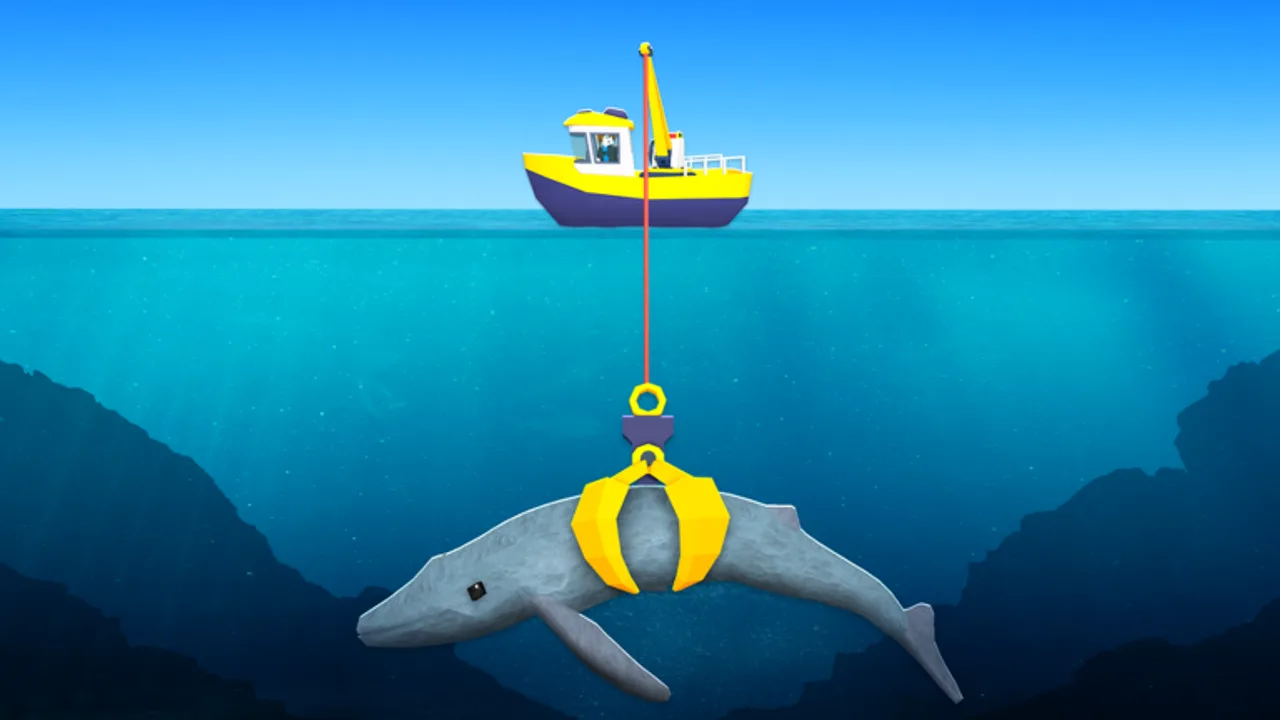
Welcome to the Claw Fishing tools hub for Claw Fishing by Smoothly Sailing. Guides explain how to play; tools help you decide — whether to swap an aquarium slot, save for the next upgrade, or compare passive income before selling a rare catch. Every calculator here supports the same core loop: claw fish from your boat, deposit them in the aquarium, collect money, reinvest via Upgrade Priority.
Available tools
| Tool | Purpose |
|---|---|
| Money Rate Calculator | Estimate aquarium income per slot and compare keep-or-swap decisions |
More tools may join this hub when Smoothly Sailing exposes stable income formulas or when the community confirms repeatable spawn data worth modeling.
When to use tools vs guides
Use guides when you need mechanics: Getting Started, Aquarium & Money, Controls, and Tsunami Survival teach hands and eyes what to do in harbor and open water.
Use tools when you have numbers — fish band, slot occupant, upgrade cost — and want a recommendation without mental math. Tools shine mid-session when you claw an A-tier rare and must decide whether to evict a B-tier keeper.
Use tier lists for static meta: Fish Tier List and Upgrade Priority set defaults; tools personalize them to your current aquarium.
Money rate basics (preview)
Aquarium fish generate passive money over time while slotted. Income depends on species band, slot upgrades, collection frequency, and balance patches noted on the Updates hub. The Money Rate Calculator lets you plug in values you observe in-game and compare scenarios side by side.
General rules tools assume unless a patch says otherwise:
- Higher rarity bands earn more per slot when placed correctly
- Empty slots earn nothing — fill with the best available tier, not commons
- Uncollected money may cap — collect on a schedule
- Selling a fish is a one-time payout; slotting is a stream — tools favor streams for long sessions
Exact formulas change; always sanity-check tool output against one live collection tick after updates.
Tool workflow example
- Note each aquarium occupant’s band or observed income from the last collection
- Open the Money Rate Calculator
- Model swapping a new catch into the weakest slot
- If the upgrade beats your target hourly rate, swap; if not, sell or keep hunting
- Spend gains using Upgrade Priority — tools do not choose upgrades for you
Repeat after claw reach milestones unlock new bands from the Fish index.
What tools do not do
- No exploit automation — unlike risky scripts, wiki tools are read-only planners in your browser
- No code redemption — see Codes hub for official promos
- No spawn tracking — tools model income, not live fish GPS
- No guarantee of future patches — recalc after Smoothly Sailing balance notes
Staying accurate after patches
Claw Fishing launched April 2026 and receives ongoing tweaks. When patch notes mention aquarium income:
- Read the Updates hub
- Re-run the Money Rate Calculator with fresh observations
- Refresh keep rules on the Fish Tier List
Related wiki sections
- Guides hub — mechanics and routes
- Tier List hub — default keep and upgrade order
- Fish index — species bands referenced in tools
- Wiki links — official game URL
Frequently Asked Questions
Quick answers players ask while claw fishing on Roblox.
What tools does the Claw Fishing wiki offer?
The Money Rate Calculator for aquarium income comparisons. This hub lists current and future planners.
Should I use tools or the Fish Tier List?
Use the tier list for general keep rules; use tools when comparing your specific slot occupants and a new catch.
Do tools require Roblox login?
No. Wiki tools run as on-page calculators — you enter values you observe in-game manually.
Are tools affected by game updates?
Yes. Income formulas and fish values change with patches. Recheck after Updates hub entries.
Can tools auto-fish or collect money?
No. Automation requires exploits covered on the Scripts page — not supported here and ban-risky.